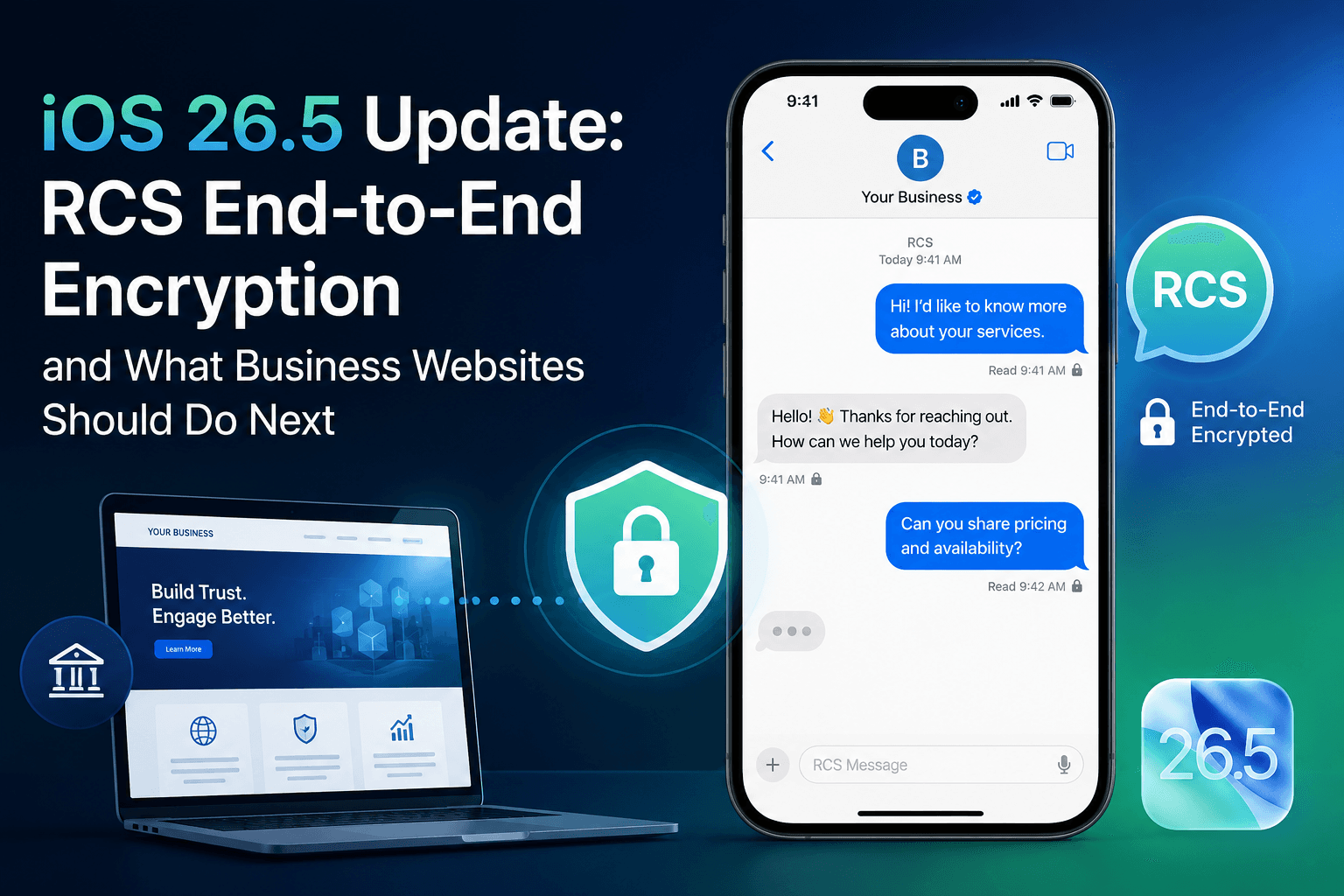
Bottom line: iOS 26.5 is rolling out end-to-end encrypted RCS in beta for iPhone and Android users on supported carriers. If you run a business site, the practical angle is trust, mobile UX, and how you capture leads—not chasing Apple keynote headlines.
Lots of people are searching iOS 26.5 right now, mostly because cross-platform texting finally gets closer to the privacy users already expect from iMessage. Here’s what changed, who actually gets it, and what we’d check on a client site this week.
What’s new in iOS 26.5?
Apple and Google both announced beta support for encrypted RCS—see Apple’s post and Google’s. In short:
- Eligible RCS threads can encrypt without the user flipping a hidden switch.
- A lock icon shows when a chat is end-to-end encrypted.
- Rollout is gradual—carrier, app version, and existing vs new chats all matter.
Worth repeating: iMessage between iPhones was already encrypted. This update is about iPhone ↔ Android RCS, where privacy has lagged for years.
Why businesses should care
Support teams, clinics, agencies, and e-commerce brands still push “text us” or WhatsApp links before someone books or buys. When encryption becomes normal in the default Messages app, visitors notice sloppy privacy copy on your site.
- Trust: “We take privacy seriously” rings hollow if your contact page looks like it was written in 2019.
- Clear channels: Say which inbox you monitor and how fast you reply.
- First-party data: Less tracking in messaging means your forms and CRM matter more.
- Support playbooks: Document how staff handle screenshots, IDs, and escalations on mobile.
Covering iOS news without publishing fluff
Agencies and SaaS sites often publish a thin “top 10 features” post, get a traffic blip, then nothing. A better approach: answer what changed, who it affects, and what to do on your site—then link to primary sources.
- Target real queries: iOS 26.5 update, RCS encryption, iPhone Android encrypted messages.
- Give checklists product and marketing can actually use.
- Link out to Apple/Google, not rumor roundups.
Checklist we use with clients
- Walk every “message us” CTA on mobile landing pages.
- Refresh privacy and contact wording—plain English, no legalese dump.
- Tighten lead forms and consent (you own the relationship, not the platform).
- Re-test forms and tap targets on current iPhones—slow pages still hurt conversion.
- Track calls, chat clicks, and form starts in analytics.
- Keep one evergreen URL and update it when rollout details change.
Mistakes we see often
- Publishing for traffic only, with no tie-in to services or proof.
- Copying secondary blogs that miss “beta” and carrier caveats.
- No next step for the reader (audit, contact, case study).
- Forgetting internal links to speed/SEO pages you actually want to rank.
FAQ: iOS 26.5 and RCS encryption
What is the iOS 26.5 update?
Apple’s release that—among other things—starts beta rollout of end-to-end encrypted RCS between iPhone and Android on supported setups.
How do I know if RCS is encrypted?
Look for the lock icon in the conversation. It may appear only after both sides have a supported app and carrier.
Does this change my website?
Not in code—but it changes what users expect. Review mobile contact flows, consent text, and how you capture leads.
Is encrypted RCS the same as iMessage?
No. iMessage is Apple-to-Apple. Encrypted RCS is the cross-platform piece.
Related resources
- Web development & technical SEO
- Why hire a Next.js developer
- How to choose a web agency
- Travellers Autobarn case study
Wrapping up
iOS 26.5 is a signal: default privacy in messaging is moving forward. Pair accurate explainers with a fast, trustworthy mobile site and you’re in a better place than competitors still running bloated templates.
We help teams turn technical news into useful content—and sites that convert. DevCritters builds with Next.js, React, and WordPress. See services or book a free 15-min performance & SEO audit.