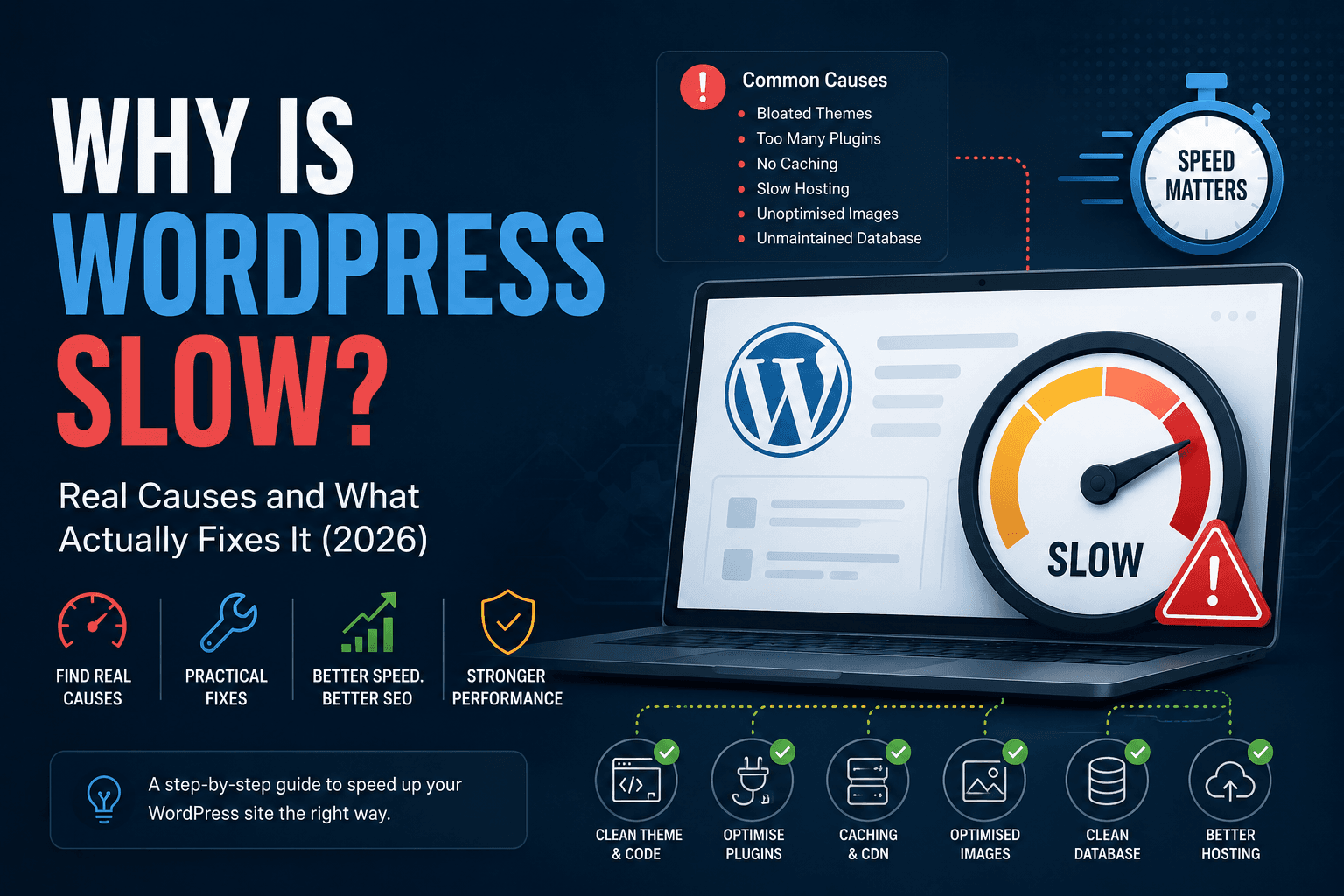
Honest answer: WordPress is not slow by nature, it is slow because of setup. Many plugins. Fix those and you're usually fine. Don't, and no amount of "WordPress is actually fast" blog posts will help your PageSpeed score.
This covers the actual causes, in the order they're most likely affecting your site right now. For context on whether WordPress is even the right stack for your situation, see React vs WordPress for business websites.
The theme is doing too much
Most off-the-shelf WordPress themes load JavaScript and CSS for features you're not using. Sliders, page builder assets, Google Fonts in four weights, icon libraries loaded in full — all of it lands on the visitor's browser whether the page uses it or not. A homepage built with Elementor or Divi can ship 3–5MB of assets before your actual content loads. That's not a WordPress problem specifically; it's a theme problem. Lean themes built with performance in mind behave completely differently.
The fix isn't switching to a different page builder. It's either finding a developer who can build component-based templates that only load what's needed, or reconsidering whether the theme is the right foundation at all.
Plugins pile up and nobody audits them
WordPress's plugin system is the real power of it. It's also where slowdowns accumulate invisibly. Every active plugin adds code that runs on every page load — sometimes even on pages where the plugin does nothing. A contact form plugin loading its scripts on your blog posts. A WooCommerce extension running on your homepage. A defunct SEO plugin from 2021 that nobody removed.
The number isn't the problem. The problem is plugins that haven't been audited against what the site actually needs. We've seen sites cut load time by a third just by removing and consolidating plugins — before touching anything else.
No caching means PHP and the database work on every request
WordPress builds pages dynamically. Every visit triggers PHP, which queries the database, assembles the HTML, and sends it. For a site with low traffic and simple pages, that's fast enough. For anything with real visitor volume, without caching you're just paying for the same work to be done over and over.
Plugin used for speed optimization. Neither is complicated to set up. Most slow WordPress sites just haven't done it.
Shared hosting hits a ceiling fast
Shared hosting puts your site on a server alongside hundreds of others. Resources are pooled. When someone else's site gets hammered, yours slows down. When your own site gets a decent amount of traffic — a campaign, a product launch, a piece that gets picked up somewhere — shared hosting often can't absorb it cleanly.
This isn't a reason to immediately migrate to headless Next.js. It's a reason to understand where your hosting sits relative to your actual traffic requirements. If your analytics show a couple hundred visits a day and the site still drags, the hosting probably isn't the problem. If you're running an online store or driving paid traffic, it might well be. See WordPress to Next.js migration costs when architecture—not hosting—is the bottleneck.
images which are not optimized
When a photo uploaded, the media here. A developer uses that original as a hero image. Visitors on mobile load a file meant for a print portfolio. This is the main cause of slow WordPress.
The database is not well managed
After some time the data in it is not manged accurately, duplications happened. A site running for three years with draft revisions kept for every edit and a contact form table nobody emptied is querying a lot more data than it needs to on every page load. This matters more on sites with a lot of content and high admin activity than on simple brochures — but it's worth a scheduled cleanup regardless.
No CDN means all assets serve from one place
When the server are of far away the connection issue occours. For businesses serving the US, UK, and Middle East from the same domain, this is the difference between a 1.8s load and a 4s load for international visitors.
When WordPress genuinely isn't fast enough
There are situations where the performance ceiling is a WordPress architecture problem, not a configuration problem. Complex custom post type queries. Heavy WooCommerce shops with lots of product variations. Sites where the team needs server-side rendering with edge delivery and fine-grained control over what's cached where.
In those cases, the conversation moves to headless WordPress — keeping the CMS in place for editorial teams while moving the front end to Next.js. Or in some cases, migrating CMS and front end both. We cover the tradeoffs and cost implications in the WordPress to Next.js migration guide. For fixing Google's LCP, INP, and CLS signals specifically on WordPress, see how to fix Core Web Vitals in WordPress.
That's a real project, not a weekend fix. Before going there, it's worth ruling out the common causes above — most slow WordPress sites aren't running into fundamental limits, they're running into avoidable problems.
What a proper audit looks like
Check the Lighthouse waterfall for what loads first and what loads late. Check the network tab in Chrome for file sizes and request count.
Then check your hosting plan, your active plugin list, and whether you have any caching active at all. In most cases, the problems are visible in under an hour without any specialist tooling — they just haven't been looked at.
FAQ: why is WordPress slow?
Why is my WordPress website slow?
Slowness is usually a bottleneck in one layer: hosting (high TTFB), database (slow queries, autoload bloat), plugins and themes (JS and CSS on every page), or front-end assets (unoptimised images). Measure TTFB first — above ~500–600ms consistently, the problem is backend before you touch images.
Why is WordPress so slow?
WordPress isn't slow by default — bloated themes, plugin sprawl, missing caching, and unoptimised images are. Most sites we audit have fixable configuration problems, not a platform ceiling. Work through caching, images, and plugin audit before assuming you need a rebuild.
Why is my WordPress site so slow?
Check TTFB first. If server response is slow across many pages, look at hosting and caching. If TTFB is fine but the page still feels heavy, the theme or plugins are loading too much JavaScript and CSS — or your hero images are oversized. The fix depends on which layer is failing.
Is WordPress slow?
Not inherently. WordPress powers millions of fast sites. It becomes slow when themes load unused assets, plugins run on every page load, caching isn't enabled, or hosting can't handle the traffic. Configuration beats platform choice in most cases.
How do I know if hosting is making WordPress slow?
High TTFB across many uncached pages, 503 or 508 errors during traffic spikes, CPU or RAM limits hit in cPanel, or admin and front-end both sluggish under load. If TTFB is fine but LCP is bad, hosting isn't the first fix — images and render-blocking assets are.
What is the difference between cloud hosting and shared hosting?
Shared hosting puts your site on one physical server with hundreds of others — cheap, but resources are contested. Cloud hosting distributes your site across virtualised servers with isolated CPU and RAM and auto-scaling. You pay more complexity for stability under load.
When should I move from shared to cloud hosting for WordPress?
When you consistently hit resource limits, see downtime during traffic spikes, run revenue-critical pages, or need TTFB under load after you've already optimised caching and images. A few hundred daily visits on a bloated site isn't automatically a hosting problem.
Is WordPress slow compared to other platforms?
Not by default, the cache will cleared by some plugins. The platform doesn't enforce good defaults.
Will a faster theme actually make a difference?
Yes, if your current theme is loading scripts and styles for features you're not using. A theme that ships only what the page needs is one of the highest-impact changes possible on a bloated setup.
How many plugins is too many?
The number matters less than what they're doing. Five plugins doing heavy lifting on every page load is worse than twenty that fire only when needed. Audit by impact, not count.
Does upgrading hosting fix WordPress performance?
Sometimes — but hosting is often not the bottleneck. A slow theme and no caching on managed cloud hosting will still be slow. Fix configuration first, then assess whether the hosting is the limit.
When should I consider migrating off WordPress?
The slow site happeneds from not Wordpress but how it is configured, next.js headless approach make sense Start with the stack comparison.
Related resources
- Core Web Vitals services
- Fix Core Web Vitals in WordPress
- React vs WordPress: full comparison
- WordPress to Next.js migration: costs and timelines
- WordPress to headless CMS with Next.js
- How to choose a web agency
- Why hire a Next.js developer
Bottom line
WordPress is slow when nobody has looked at it. The causes — bloated themes, plugin sprawl, missing caching, unoptimised images, undersized hosting — are consistent across almost every slow site we've audited. These can be rebuild easily in some cases.
We audit and fix WordPress performance for international businesses, and build headless Next.js when the situation calls for it. Migration service · Services · Performance proof · Book a consultation.