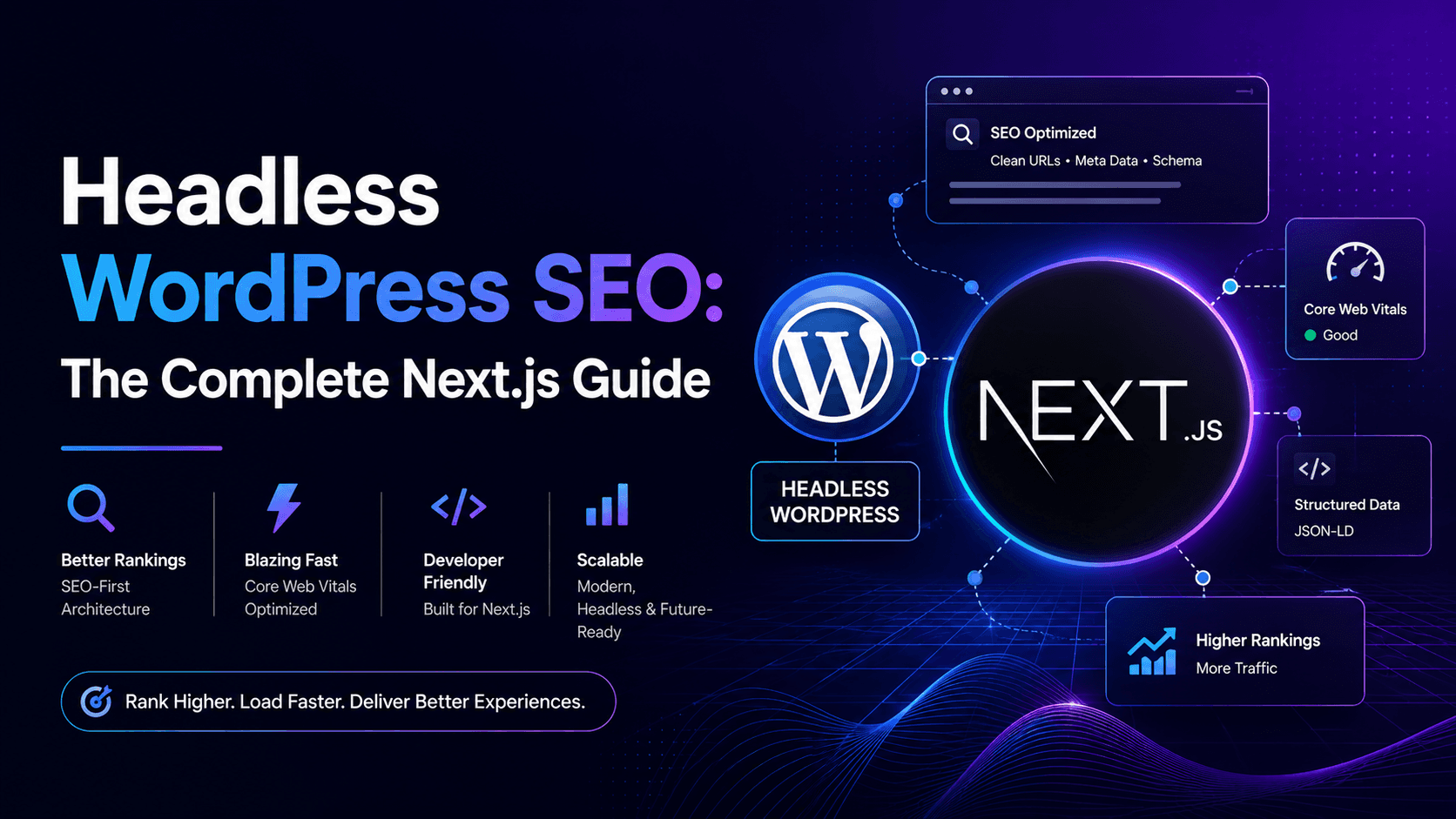
Short answer: Headless WordPress SEO works when Next.js owns what Google sees — titles, canonicals, sitemap, structured data, and finished HTML — while WordPress stays the editor's CMS behind the API. The stack doesn't hurt rankings. Two sitemaps, metadata that never leaves wp-admin, and client-only blog pages do. This is the SEO playbook we run on headless WordPress + Next.js cutovers.
For architecture and setup, see headless WordPress with Next.js. For platform comparison, WordPress vs Next.js SEO. For cutover mechanics, migration checklist. For Next.js primitives (Metadata API, robots, rendering), technical SEO for Next.js.
Why headless WordPress SEO is a different problem
On a normal WordPress site, one system does everything. Yoast or Rank Math writes the title tag, the sitemap, the canonical, and the schema — and the theme prints them in the HTML Google fetches. Simple chain of custody.
Headless WordPress splits that chain. Editors still work in wp-admin. Visitors (and crawlers) hit Next.js. SEO fields live in WordPress plugins, but the HTML lives in React. If nobody builds the pipe between them, you get beautiful pages with empty meta tags — or worse, WordPress still publishing a competing sitemap on the origin URL.
Headless WordPress SEO is therefore two jobs: keep editorial workflow in WordPress, and make Next.js the single source of truth for everything search engines index.
What Google actually crawls in a headless setup
Googlebot requests your public domain. It does not log into WordPress. It does not follow your REST API unless those URLs are linked from public pages. What matters is the HTML Next.js returns on the first response — ideally pre-rendered, with main content, headings, links, and metadata already in the document.
That means:
- Public site = Next.js domain. WordPress should sit on a subdomain or separate host (
cms.example.com), not compete with the marketing site for the same URLs. - Block or noindex the WordPress origin if it still renders a theme. You do not want Google choosing between
example.comandcms.example.com/blog/post. - Fetch content at build time or on the server — not only in the browser after hydration. Blog posts and service pages should be SSG or ISR by default; reserve SSR for genuinely dynamic routes.
If you curl a blog URL and the article body is missing until JavaScript runs, you have a crawlability problem — regardless of how good your WordPress SEO plugin scores look in the admin.
Metadata: get Yoast and Rank Math onto the Next.js page
This is the step most headless builds skip, and it's why rankings stall after launch.
WordPress SEO plugins store title, description, canonical override, Open Graph fields, and robots directives in post meta. None of that reaches the public site unless your Next.js generateMetadata (or equivalent) reads it from the API and maps it into the page head.
REST API path: Yoast exposes fields on post objects when configured; Rank Math has a headless endpoint. Pull title, description, canonical, and robots per post at build time.
WPGraphQL path: Use Yoast SEO or Rank Math GraphQL extensions so one query returns content + SEO fields together — cleaner for complex pages with ACF.
Fallback rules matter: if a post has no custom SEO title, derive one from the H1 + site name. Never ship a route with an empty <title> because the plugin field was null.
Also set metadataBase in your root Next.js layout to the production host (including www if that's canonical). Relative canonicals and OG image URLs break without it — we've seen entire sites canonicalise to localhost after deploy.
One sitemap, one robots.txt — on Next.js
Headless WordPress SEO fails loudly when both systems publish crawl instructions.
- Generate
/sitemap.xmlfromapp/sitemap.tson the Next.js domain — every indexable marketing URL, blog post, and landing page. - Disable Yoast/Rank Math sitemap and robots output on the WordPress backend once Next.js is live.
- Point
robots.txtat that single sitemap. Disallow/api/, preview routes, and draft endpoints. - Use accurate
lastModifieddates from WordPressmodified_gmt— not "today" on every URL.
Two sitemaps listing different URL patterns is a common post-migration traffic leak. Google splits signals; Search Console shows indexing chaos. Pick one owner: the front end.
Canonicals and duplicate content
Every indexable Next.js route needs alternates.canonical pointing at the URL you want ranked. Match trailing-slash policy site-wide (trailingSlash: false in next.config is the usual default).
Watch for these headless-specific duplicates:
- WordPress preview URLs indexed alongside Next.js URLs
- Pagination or
/page/2archives still live on the old theme - Tag and category archives you no longer serve but WordPress still generates
- Staging domains left crawlable after launch
If editors set a canonical override in Rank Math, respect it in generateMetadata. If they didn't, default to the Next.js public URL for that slug.
Structured data: rebuild JSON-LD in Next.js
Plugin schema does not magically appear on the Next.js HTML. Rebuild what you need:
OrganizationandWebSiteon the homepageBlogPostingon articles —headline,datePublished,dateModified,author,imageFAQPageonly where FAQs are visible in plain HTMLBreadcrumbListwhen breadcrumbs are shown to users
Pull dates and author from WordPress fields; render the JSON-LD script in the page component. Validate with Google's Rich Results Test before launch — not after rankings drop.
Rendering strategy = SEO strategy
For headless WordPress marketing sites, this split works on most projects:
- SSG — homepage, about, services, stable landing pages
- ISR + webhook revalidation — blog and CMS-driven pages that change on publish
- SSR — personalisation, geo, or live inventory only
- Client-only — never for URLs you need indexed
Publishing in WordPress should trigger on-demand revalidation (or a targeted rebuild) so new posts appear without a full manual deploy. Editors expect near-instant publish; Google expects a crawlable URL when they submit it in Search Console.
Redirects and URL parity
Headless WordPress SEO during migration is mostly redirect discipline. Export every indexed URL from Search Console, map old → new, implement 301s on the Next.js edge/host — not only inside WordPress.
- Keep paths where possible:
/blog/slug→/blog/slug - Never redirect unknown URLs to the homepage
- Fix chains:
A → B → Cshould becomeA → C - Test the map on staging before DNS cutover
Full phase-by-phase list: WordPress to Next.js migration checklist.
Core Web Vitals: where headless WordPress wins SEO ground
Google uses page experience signals. A well-built Next.js front end — static HTML, next/image, controlled JavaScript, fonts without layout shift — is structurally easier to pass LCP, INP, and CLS than a plugin-heavy WordPress theme.
That is not automatic. A bloated Next.js bundle with hero videos and un-sized images fails the same metrics. But the ceiling is higher, and it's easier to hold as you add features.
Proof from live headless builds: Oxbridge Summer Courses passed mobile and desktop Core Web Vitals (Apr 30 & Jul 20, 2026). Best Summer Courses Guide passed desktop CWV Jul 22, 2026 — 98 Performance / 100 SEO in lab. Still on WordPress? Try fixing Core Web Vitals on WordPress before assuming headless is the only path.
How to crawl and audit a Next.js headless site
Teams ask how to "crawl a Next.js site" after going headless. You use the same tools — but check rendered HTML, not just sitemap URLs.
- curl or View Source on blog and money pages — is article text in the first response?
- Google Search Console — URL Inspection → "Test live URL" → view crawled page
- Rich Results Test — schema matches visible content
- Screaming Frog or Sitebulb — crawl the Next.js domain sitemap; check titles, canonicals, status codes
- PageSpeed Insights (mobile) — LCP, INP, CLS on homepage + top landing pages
Most headless SEO issues show up in step one: metadata present but body empty, or body present but canonical pointing at the WordPress origin.
Headless WordPress SEO checklist (launch blockers)
metadataBaseset to production host- Yoast/Rank Math fields mapped into
generateMetadataper route - Single sitemap on Next.js; WordPress SEO sitemap disabled
- Canonical on every indexable page; trailing slash policy consistent
- JSON-LD rebuilt for Organization, BlogPosting, FAQ as needed
- 301 redirect map tested — top 50 GSC URLs minimum
- WordPress origin blocked or noindexed; no public theme on production domain
- Preview/draft routes
noindex+ robots disallow - ISR/webhook revalidation on publish
- Sitemap submitted in Search Console once after launch
- 30–60 day GSC monitoring plan assigned to a named owner
Common headless WordPress SEO failures
- SEO plugin theatre — green bullets in wp-admin, empty tags on the live site
- Dual sitemaps — WordPress and Next.js both claiming authority
- Homepage redirect catch-all for forgotten URLs
- Client-rendered blog — rankings depend on JavaScript execution
- Schema left in WordPress — no JSON-LD on the HTML Google fetches
- No redirect owner — engineering ships design; SEO finds 404s in GSC two weeks later
These are implementation failures, not proof that headless WordPress is bad for SEO. Fix the pipe and the performance upside is real.
FAQ: headless WordPress SEO
Is headless WordPress good for SEO?
Yes — when Next.js serves fast, fully rendered HTML with correct metadata, canonicals, sitemap, and redirects. You gain Core Web Vitals headroom and front-end control. You lose the "it just works" SEO plugin output unless you wire API fields into Next.js metadata.
Does headless WordPress hurt SEO?
Only when SEO is an afterthought: missing redirects, duplicate sitemaps, client-only content, or canonicals pointing at the CMS origin. Done with a checklist, most sites keep rankings through cutover.
How do I do SEO with headless WordPress and Next.js?
Map WordPress SEO plugin fields into Next.js generateMetadata, generate sitemap and robots on the Next.js domain, rebuild JSON-LD, use SSG/ISR for content pages, implement 301s from the old URL map, and monitor Search Console for 30–60 days after launch.
Can I still use Yoast or Rank Math with headless WordPress?
Yes — editors keep using them in wp-admin. Developers must expose title, description, canonical, and robots via REST or GraphQL and render them on the Next.js side. Disable the plugin's public sitemap on the WordPress host.
Next.js vs WordPress SEO — which is better?
Neither wins by default. WordPress is easier for day-to-day metadata editing; Next.js is stronger for performance and predictable technical SEO at scale. Headless WordPress combines both if the integration is built deliberately. See WordPress vs Next.js SEO for the full comparison.
Is Next.js better than WordPress for SEO?
Next.js makes Core Web Vitals and crawl consistency easier; WordPress makes editorial SEO tooling easier out of the box. The build quality matters more than the label — we've seen Next.js sites score worse than tuned WordPress installs.
Do I need next-seo for headless WordPress?
Not necessarily. The App Router Metadata API handles titles, descriptions, canonicals, and Open Graph natively. next-seo is optional sugar — useful in Pages Router projects or when you prefer component-based JSON-LD. What matters is that every route exports correct metadata, not which package you use.
How does Google crawl a Next.js headless site?
Like any site: it fetches public URLs, reads HTML, follows links. Pre-rendered pages are ideal. Client-only content is riskier. Use URL Inspection in Search Console to verify what Google actually sees after deploy.
Will SEO rankings drop when I go headless?
Not if you preserve URLs (or 301 every change), keep metadata parity, ship one sitemap, and rebuild schema. Expect a short recrawl window — not a cliff — when redirects and canonicals are correct.
How do I migrate WordPress to headless without losing SEO?
Inventory GSC URLs → redirect map → metadata/schema parity on Next.js → staging crawl → launch with sitemap submit → monitor 30–60 days. Step-by-step: migration checklist and WordPress to headless CMS guide.
Does headless WordPress improve Core Web Vitals?
Usually yes — static HTML from the CDN, optimised images, and smaller JS budgets beat typical page-builder themes. Poor Next.js implementation can still fail CWV; the architecture raises the ceiling, not a guarantee.
Should I use REST API or WPGraphQL for SEO?
Both work. REST is simpler for standard posts and pages. GraphQL is cleaner when you need SEO fields + ACF + related content in one query. SEO outcome depends on metadata rendering, not API choice.
Related resources
- WordPress to Next.js migration agency
- Headless WordPress with Next.js setup guide
- Technical SEO for Next.js
- Migration checklist (keep SEO)
- WordPress vs Next.js SEO
- Migrate WordPress to headless CMS
- Fix Core Web Vitals in WordPress
- Headless WordPress pros and cons
- Technical SEO services
- Oxbridge case study
- Best Summer case study
Bottom line
Headless WordPress SEO is not a plugin setting — it's an integration contract. WordPress stores content and SEO fields; Next.js owns the HTML Google indexes. Wire those together with metadata, one sitemap, JSON-LD, redirects, and static rendering, and you get the performance upside without the ranking panic.
Skip the pipe and you'll blame the stack for what was a launch checklist miss.
We implement headless WordPress SEO on Next.js migrations for businesses worldwide. Migration service · Services · Technical SEO · Performance proof · Book a consultation.